How to Register a Domain Name - From Search to Checkout, Privacy and Renewal (2026)
Registering a domain takes about ten minutes once you know what you want. Here's the full process, what to check at checkout and how to keep your domain safe once it's yours.
On This Page
- Before You Register
- Step 1: Choose Where to Register
- Step 2: Search for Your Name
- Step 3: Pick Your Extension
- Step 4: Add Privacy and Review Extras
- Step 5: Enter Accurate Contact Details
- Step 6: Complete Checkout and Verify
- Step 7: Connect the Domain to Your Hosting
- After Registration: Protect Your Domain
- One Year or Several?
- Should You Buy Extra Domains?
- Moving Your Domain Later
- How to Register a Domain Name FAQ
Before You Register
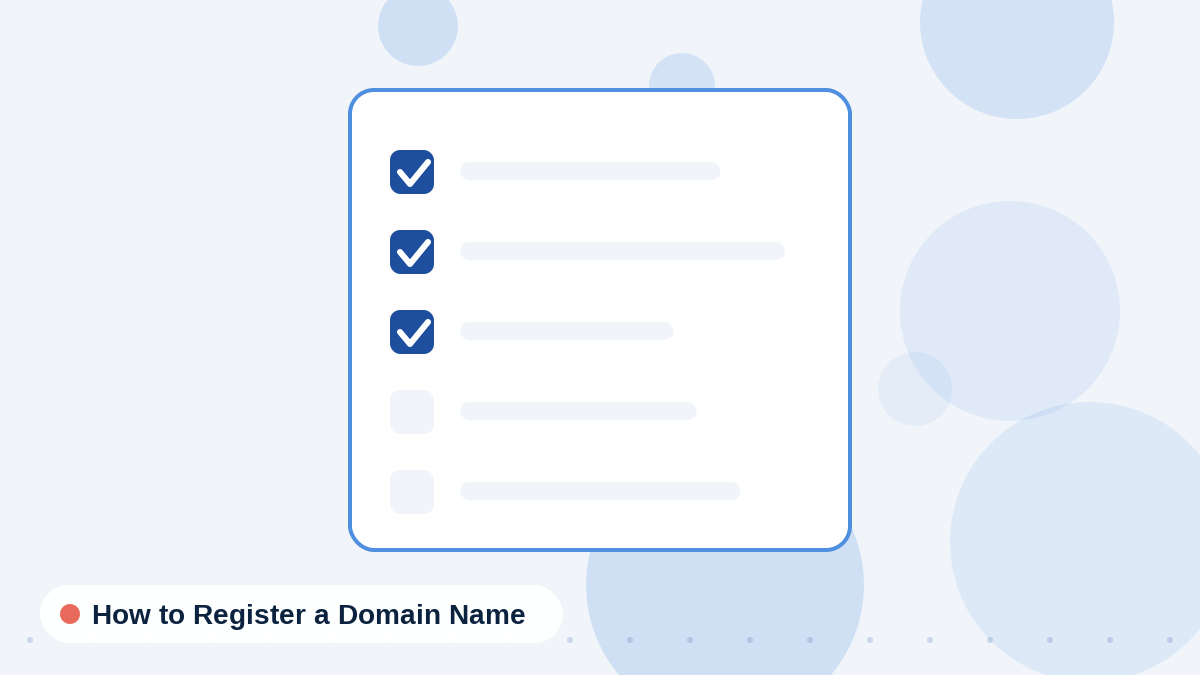
A few decisions make registration quick:
- Have a shortlist of names. Your first choice may be taken.
- Decide on your extension. .com is the default most people type; country codes like .co.uk suit local businesses.
- Decide where to register. With your web host for simplicity, or a separate registrar if you manage many domains.
- Check the renewal price. First-year prices can be discounted; renewals often aren't.
Our how to choose a domain name guide covers naming in depth.
Step 1: Choose Where to Register
Domains are sold by registrars, companies accredited to register names on your behalf. Many web hosts are registrars too.
Registering with your host is the easiest route for a new website. The domain and hosting are linked automatically, and many hosts include the domain free for the first year. Bluehost, for example, includes a free domain for the first year with Web, WordPress and WooCommerce plans on 12-month or 36-month terms.
Registering with a separate registrar suits people who own several domains or want to keep domains independent of their hosting. You'll then point the domain to your host using nameservers or DNS records.
Step 2: Search for Your Name
Use the registrar's domain search. Type your preferred name and see which extensions are available.
If your first choice is taken:
- Try a different extension, but think carefully before choosing one people won't guess.
- Add a short word, such as your location or a descriptive word, as long as it stays easy to say.
- Rephrase the name rather than adding hyphens or numbers.
Avoid "premium" domains unless you're prepared to pay well above standard prices. These are shown with much higher price tags in search results, and free domain offers typically exclude them.
Step 3: Pick Your Extension
| Extension | Best For | Bluehost Renewal |
|---|---|---|
| .com | Most websites; the default people type | $23.99/yr |
| .net | Tech and network-related sites, or as an alternative | $19.99/yr |
| .org | Non-profits and communities | $18.99/yr |
| .co | Startups and short brand names | $37.99/yr |
| .us | US-focused sites | $19.99/yr |
| .store | Online shops | $79.99/yr |
Look at the renewal column, not just the first-year price. Some newer extensions are cheap to register but expensive to renew.
Step 4: Add Privacy and Review Extras
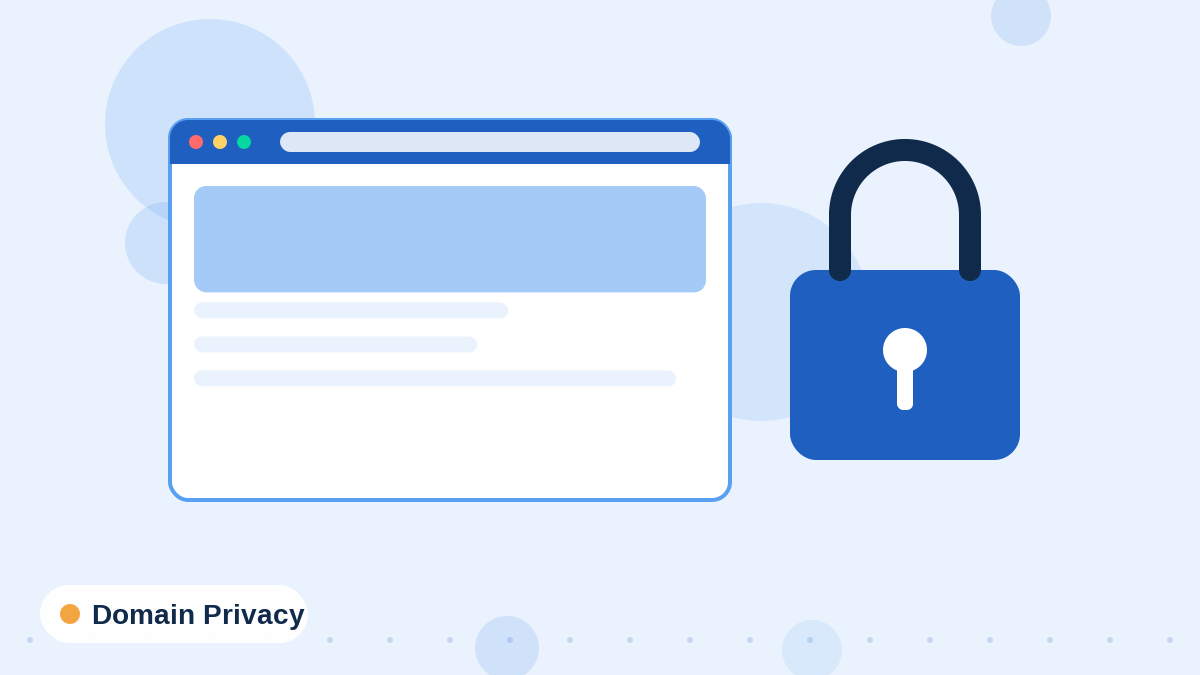
When you register a domain, your contact details can appear in public WHOIS records. Domain privacy replaces them with generic details, cutting spam and protecting your home address.
At Bluehost, domain privacy is free for the first year on Business and higher plans where the extension supports it, and listed at $15 a year otherwise. Some extensions, including .us, .ca and .uk, don't support privacy.
Review any other extras at checkout and untick anything you don't need. Our add-ons guide shows which ones are worth it.
Step 5: Enter Accurate Contact Details
Registrars are required to collect accurate registrant information. Use your real name or business name, a current email address and correct contact details.
This matters more than it seems. The registrant is the legal owner of the domain. If a designer or agency registers a domain for you, make sure your name or business is listed as the registrant, not theirs.
Step 6: Complete Checkout and Verify
After payment, you'll receive a verification email asking you to confirm your contact details. Confirm it promptly. Domains with unverified contact details can be suspended until they're verified.
If you registered through your host, your domain will usually be connected to your hosting automatically. If you registered separately, you'll connect it next.
Step 7: Connect the Domain to Your Hosting
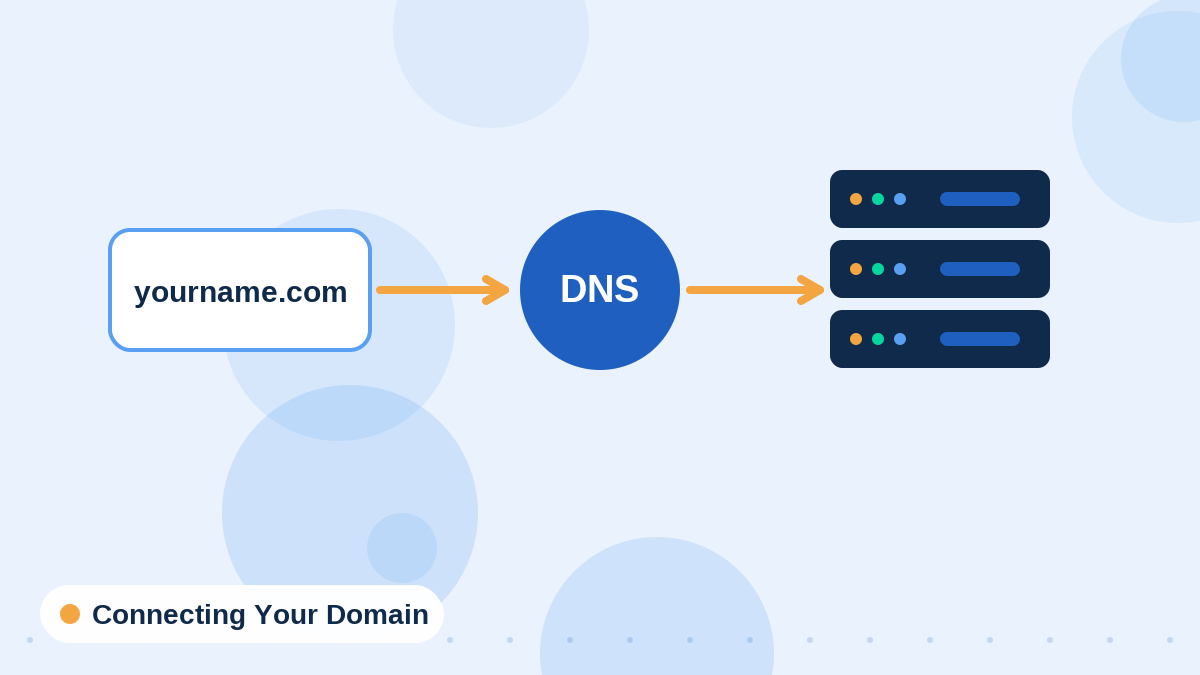
If your domain and hosting are with the same company, there's usually nothing to do.
If they're separate, you have two options:
- Change nameservers at your registrar to your host's nameservers. For Bluehost, those are ns1.bluehost.com and ns2.bluehost.com.
- Edit DNS records, such as the A record, to point to your host's server, keeping DNS with your registrar.
DNS changes can take up to 48 hours to take full effect worldwide. Our nameservers guide and connect a domain guide walk through both methods.
After Registration: Protect Your Domain
Turn On Auto-Renew
Expired domains take your site and email offline and can be lost.
Keep Payment Details Current
An expired card can cause a missed renewal.
Lock the Domain
A transfer lock prevents unauthorized transfers.
Use Two-Factor Login
Protect the account that controls your domain.
Keep Records
Note your registrar, login and renewal date somewhere safe.
Watch for Scam Notices
Ignore unsolicited "renewal" letters from companies you didn't register with.
One Year or Several?
Most registrars let you register for one year or several years at once. Registering for longer protects you against forgetting a renewal and locks in today's price for that period.
For a business domain you plan to keep, registering for several years, or turning on auto-renew, is sensible. For a side project or a name you're testing, one year keeps the commitment small. Either way, auto-renew is the simplest protection against accidental expiry.
Should You Buy Extra Domains?
Some owners register variations of their main domain to protect their brand. Common examples include:
- Other extensions, such as the .net or country-code version of your .com.
- Common misspellings of your name, if people often get it wrong.
- Your personal name, for a portfolio or personal brand later.
You don't need to buy every variation. For a small business, the main .com and perhaps your country-code extension are usually enough. Point extra domains at your main site with a redirect, so visitors who type them still find you. Remember that every extra domain renews yearly, so the costs add up.
Moving Your Domain Later
You're not locked in forever. After a new registration, ICANN rules prevent transfers for 60 days. After that, you can transfer the domain to another registrar by unlocking it and requesting an authorization code. Transfers usually take five to seven days. Our domain transfer guide explains the process.
How to Register a Domain Name FAQ
How much does it cost to register a domain?
A .com typically costs around $10 to $25 a year. Many hosts include a domain free for the first year with hosting.
How long does domain registration last?
Usually one year at a time, with options to register for several years. You must renew to keep it.
Can I register a domain without a website?
Yes. You can hold a domain for later or use it only for email.
How long does it take for a new domain to work?
Registration is immediate, but DNS changes can take up to 48 hours to spread worldwide.
Can I buy a domain someone else owns?
Only if they're willing to sell. Premium and resale domains can be expensive.
What happens if I forget to renew?
The domain expires and your website and email stop working. After a grace period, it may become available to others.