Bluehost Domain Transfer - How to Move a Domain to or From Bluehost Safely (2026)
Transferring a domain moves its registration from one company to another. Here's how to transfer a domain into Bluehost, how to move one out, how long each takes and how to avoid downtime along the way.
On This Page
What a Domain Transfer Does

A transfer changes which registrar manages your domain registration. It doesn't move your website or email by itself, and it doesn't change the domain name.
People transfer domains to keep domain and hosting in one account, to simplify billing, or to move to a registrar they prefer. If you just want your Bluehost-hosted site to appear at a domain registered elsewhere, you don't need to transfer at all; you can connect it. Our connect a domain guide covers that faster route.
Before You Transfer In: Checklist
Most transfer delays come from skipping a preparation step. Complete these at your current registrar first:
Check eligibility. The domain must be more than 60 days past registration or its last transfer.
Make sure it isn't about to expire. Renew first if it's very close to expiry.
Point nameservers if needed. If your site is already on Bluehost, set nameservers to ns1.bluehost.com and ns2.bluehost.com before starting, since DNS changes may not be possible mid-transfer.
Update your contact email. Approval messages go to the registrant email, so make sure you can receive them.
Turn off privacy if required. Some registrars require this so transfer emails reach you.
Unlock the domain. Remove the transfer lock in your registrar's settings.
Get the authorization code. Also called the EPP or auth code.
How to Transfer a Domain to Bluehost
Bluehost offers two ways to start a transfer.
From the Bluehost website: go to the domain transfer page, enter the domain you want to transfer and submit. You'll be asked to log in or create an account.
From the Bluehost Portal: log in, open Domains and use the transfer option.
Then:
Enter the authorization code when prompted.
Complete checkout for the transfer.
Approve the transfer by following the instructions in any confirmation email.
Wait for completion. Bluehost says transfers typically take five to seven days.
Check DNS and renewal settings once the domain appears in your Bluehost account.
Bluehost's free domain policy covers transfers as well as new registrations on eligible hosting plans, so if you haven't used your free domain credit, a transfer may be covered for the first year. Our free domain guide explains eligibility.
Avoiding Downtime During a Transfer
A transfer shouldn't take your site offline, as long as DNS is handled correctly. The registration moves, but your DNS settings carry on working throughout.
The safest approach:
- Set up DNS first. Point nameservers where you want them before starting.
- Don't change DNS mid-transfer. Many registrars lock DNS changes while a transfer is pending.
- Keep old hosting active until the transfer is complete and you've confirmed everything works.
- Check email after the transfer, especially if your DNS provider changed.
How to Transfer a Domain Away From Bluehost
If you want to move a domain registered at Bluehost to another registrar:
Log in to the Bluehost Portal and open Domains.
Review your contact information so approval emails reach you.
Unlock the domain.
Get the EPP code from your domain settings.
Start the transfer at your new registrar using that code.
Approve the transfer if you receive a confirmation request.
You can also keep your domain at Bluehost while hosting your website elsewhere, by pointing its nameservers or DNS records to your new host. That's often simpler than transferring.
The 60-Day Rule
Domains generally can't be transferred to a new registrar within 60 days of registration or a previous transfer. This rule helps prevent fraud and accidental moves.
So if you've just registered a domain, including a free domain with your hosting, plan to keep it where it is for at least two months. You can still point it to any host during that time.
Common Transfer Problems
- Invalid authorization code: request a new code and copy it exactly, without spaces.
- Domain still locked: unlock it at the current registrar and try again.
- No approval email: check the registrant email address and spam folder; privacy services can block delivery.
- Too soon after registration: wait until the 60-day period ends.
- Domain near expiry: renew it at the current registrar first.
- Extension not supported: some extensions can't be transferred to every registrar; check eligibility before you start.
After the Transfer
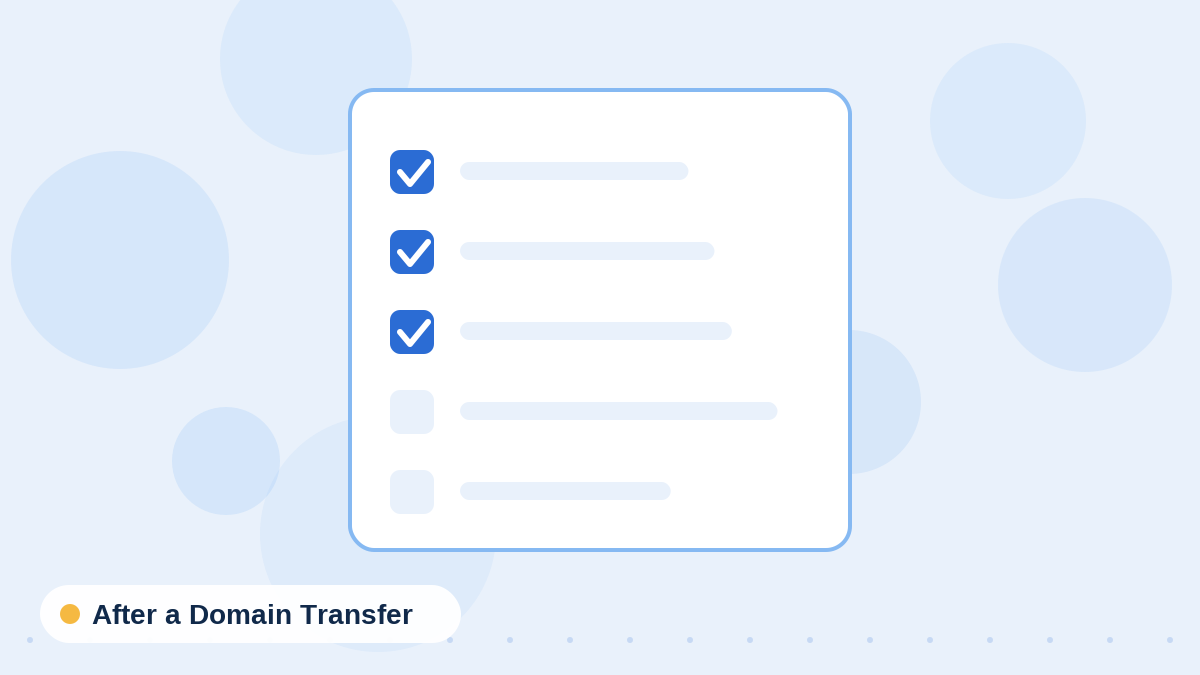
Once your domain is at Bluehost, do a quick review:
- Turn on auto-renew, or note the renewal date.
- Check domain privacy, and add it if you want your details hidden.
- Confirm DNS records, especially email.
- Keep the domain locked to prevent unauthorized transfers.
Our Bluehost DNS records guide shows where to manage your records.
Bluehost Domain Transfer FAQ
How long does a domain transfer to Bluehost take?
Bluehost says transfers typically take five to seven days.
What is an EPP code?
An authorization code from your current registrar that proves you're allowed to transfer the domain.
Will my website go down during a transfer?
It shouldn't, if DNS is set up before you start and left unchanged during the transfer.
Can I transfer a domain I just registered?
Not for 60 days after registration or a previous transfer.
Do I need to transfer my domain to use Bluehost hosting?
No. You can connect a domain registered elsewhere by changing its nameservers or DNS records.
Can I move my domain away from Bluehost later?
Yes. Unlock it in your Portal, get the EPP code and start the transfer at your new registrar.