Host Multiple Websites on Bluehost - Site Limits, Setup Steps and When to Split Plans (2026)
Every Bluehost shared plan now allows several websites, from 10 on Starter to 100 on eCommerce Essentials. Here's how to add more sites and keep them all running smoothly.
View Bluehost PlansOn This Page
How Many Websites Each Plan Allows
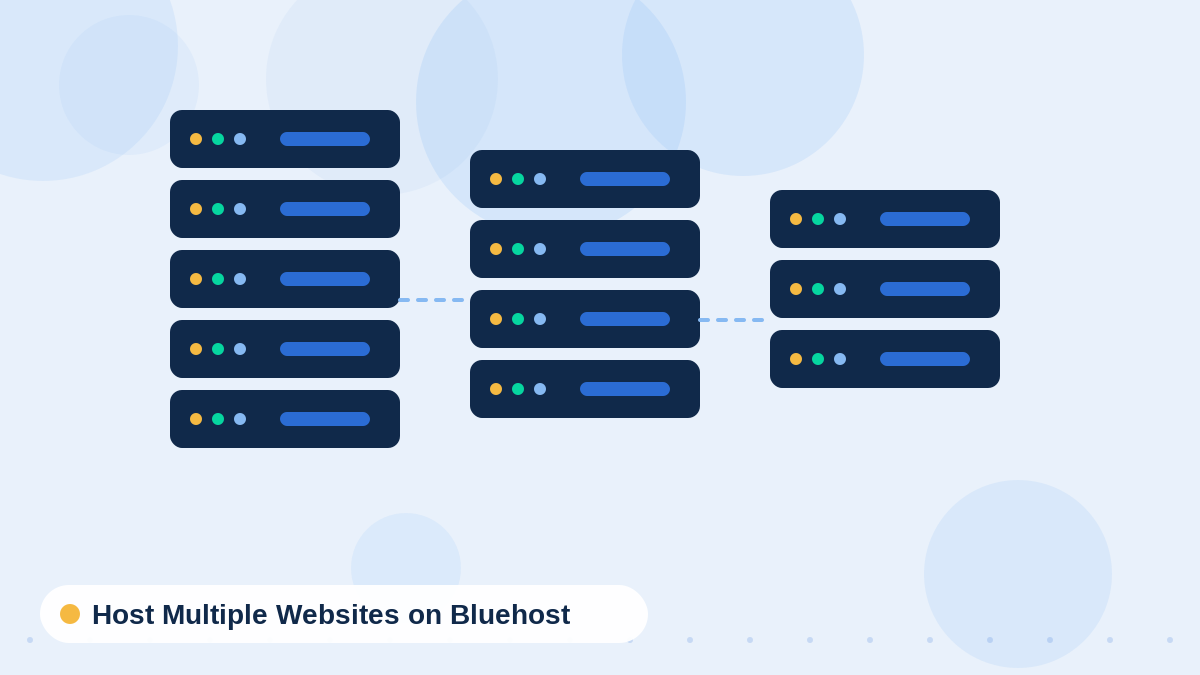
| Plan | Websites | Storage | Ideal Monthly Visits |
|---|---|---|---|
| Starter | 10 | 10 GB NVMe | Around 40K |
| Business | 50 | 50 GB NVMe | Around 200K |
| eCommerce Essentials | 100 | 100 GB NVMe | Around 400K |
| Cloud 10 / 25 / 50 | 10 / 25 / 50 | 125–225 GB NVMe | Higher, with dedicated resources |
The visit figures are Bluehost's guidance for the whole plan, not for each site. Ten sites on Starter share the same storage and the same pool of visitors the plan is designed for.
Note that eCommerce Essentials' store tools apply to one website per plan, even though the plan allows 100 sites.
Why Host Several Sites on One Plan?
- Lower cost: one hosting bill instead of several.
- One login: manage everything from a single Portal.
- Simple setup: adding a site takes minutes.
It works well for small sites that don't get much traffic: a business site plus a blog, a few client brochure sites, or side projects.
How to Add Another Website
Log in to the Bluehost Portal and open Websites.
Choose Add Website and select WordPress (or another option).
Pick a domain: one you've registered with Bluehost, one registered elsewhere, or a temporary domain while you build.
Create the site, either with the WordPress AI Builder or a theme.
Connect the domain if it's registered elsewhere, by pointing its nameservers or an A record to Bluehost.
Each site gets its own WordPress install, database and admin login. Our install WordPress guide and connect a domain guide cover the details.
Addon Domains, Subdomains and Parked Domains
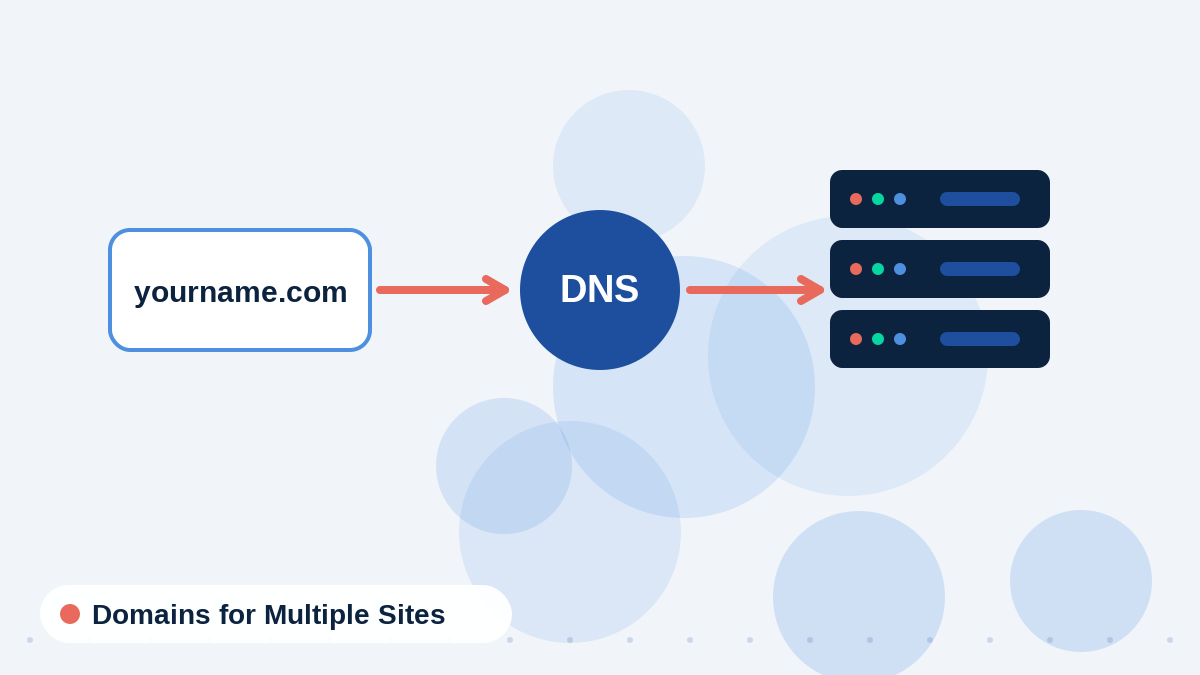
There are three ways extra domains can relate to your plan:
| Type | Example | What It Does |
|---|---|---|
| Separate website | secondsite.com | A full, independent site with its own content |
| Subdomain | shop.yoursite.com | A separate site under your main domain |
| Parked or alias domain | yoursite.net | Shows the same site as your main domain |
Use separate websites for different businesses or projects, subdomains for distinct sections (a store or help center), and parked domains to catch common misspellings or other extensions of your brand.
Managing Resources Across Sites
All sites on a shared plan draw from the same resources. One busy or poorly built site can slow the others. To keep things healthy:
- Use caching on every site.
- Compress images before uploading.
- Remove unused plugins and themes from every site.
- Delete old test sites you no longer need.
- Watch storage in the Hosting section.
Security matters too. A hacked site on the same account can affect others, so keep every WordPress install updated and use strong passwords. Our WordPress security guide explains the basics.
When to Split Sites Onto Separate Plans
Hosting everything on one plan stops making sense when:
- One site gets much more traffic than the others and slows them down.
- A site is critical to income, such as a busy store, and needs its own resources.
- Clients need separate billing or ownership of their hosting.
- Total storage runs short, even after cleanup.
At that point, upgrade the plan, move the busy site to its own plan, or move to Bluehost Cloud, which pairs several sites with more resources and real-time backups. Our upgrade guide covers each route.
Hosting Client Sites

If you build sites for clients, one plan can host several of them, but think about the long term:
- Ownership: clients often expect to own their domain and hosting.
- Access: give clients WordPress logins rather than your hosting login.
- Billing: decide whether hosting is part of your fee or billed directly to the client.
A simple handover plan helps too. Keep a record of each client's domain registrar, renewal dates and logins they own, and agree in writing who pays for hosting, domains and add-ons. When a client outgrows your shared plan, the free migration tool or a manual migration can move their site to an account in their own name.
Many freelancers host small sites on their own Business plan and move bigger clients to their own accounts.
Multiple Websites on Bluehost FAQ
How many websites can I host on Bluehost Starter?
Up to 10 websites.
Do I need a separate domain for each site?
Each public site usually has its own domain, but you can use subdomains or temporary domains while building.
Does each site get a free domain?
No. The free first-year domain applies to one domain on eligible plans.
Will extra sites slow down my main site?
They share resources, so heavy sites can affect others. Keep each site lean.
Can I move one site to another plan later?
Yes. You can migrate a single site to a new plan or account.
Is email shared across sites?
Email accounts are created per domain, and mailbox limits depend on your cPanel email tier.