What Is VPS Hosting - How Virtual Servers Work, Costs and When You Need One (2026)
VPS hosting gives your site its own guaranteed slice of a server, with more power and control than shared hosting at a fraction of a dedicated server's cost. Here's how it works and whether you need it.
On This Page
- How VPS Hosting Works
- What You Get With a VPS
- Managed vs Self-Managed VPS
- The Pros of VPS Hosting
- The Cons of VPS Hosting
- Signs You've Outgrown Shared Hosting
- VPS vs Shared, Cloud and Dedicated
- Who Needs VPS Hosting?
- How Much Does VPS Hosting Cost?
- How to Choose a VPS Plan
- VPS Security Basics
- Getting Started With a VPS
- What Is VPS Hosting FAQ
How VPS Hosting Works
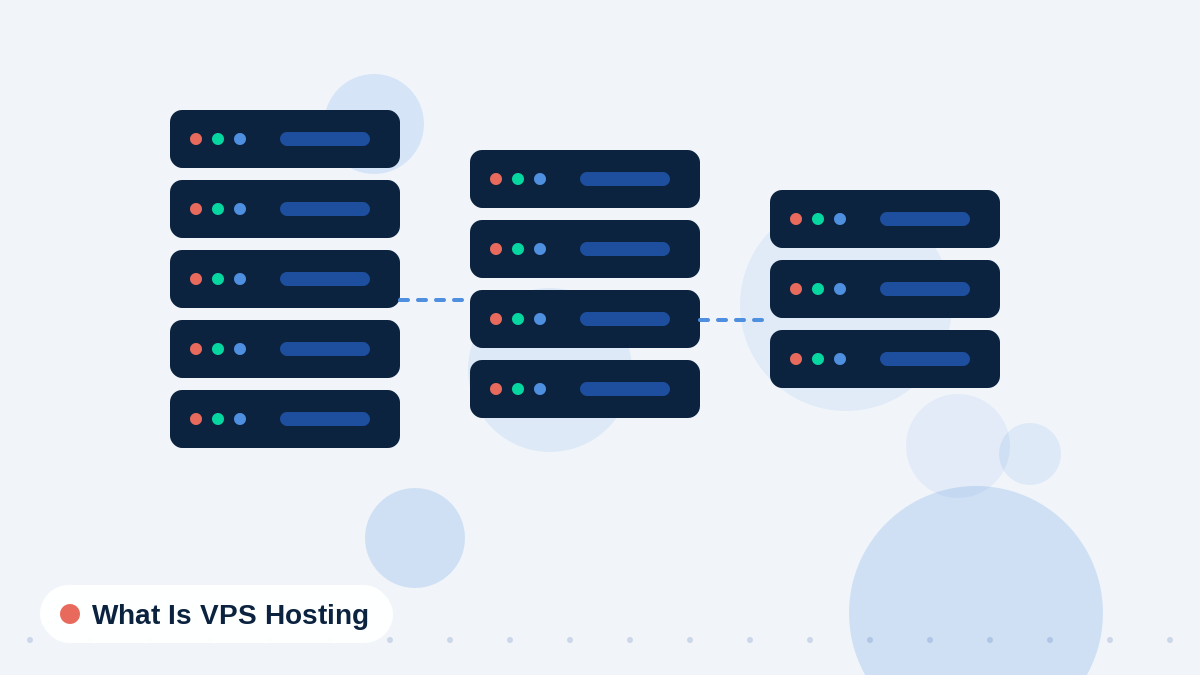
A physical server is a powerful computer with many processor cores, lots of memory and large drives. Software called a hypervisor divides it into several virtual machines. Each one behaves like an independent server, with its own operating system, files and settings.
The key word is guaranteed. On shared hosting, every account draws from the same pool of resources. On a VPS, your share of CPU and memory is reserved for you. If another customer's site gets a traffic spike, your resources aren't affected.
To return to the apartment comparison used for shared hosting: a VPS is more like a townhouse. You still share the land and some infrastructure, but you have your own walls, your own utilities and the freedom to renovate inside.
What You Get With a VPS
Guaranteed Resources
A set number of virtual CPU cores, RAM and storage reserved for you.
Root Access
Full administrative control to install software and change server settings.
Your Own Operating System
Choose a Linux distribution such as Ubuntu, AlmaLinux or Debian.
Dedicated IP Address
Most VPS plans include at least one dedicated IP.
Isolation
Other customers' activity doesn't affect your performance or security.
Scalability
Many hosts let you move to a bigger VPS as your needs grow.
Managed vs Self-Managed VPS
This is the most important decision when choosing a VPS, and it affects price more than anything else.
Self-managed VPS gives you the server and little else. You install and configure software, apply security updates, set up firewalls and backups, and fix problems yourself. The host supports the hardware and network only.
Managed VPS adds a team that handles server administration for you. Plans usually include a control panel such as cPanel with WHM, security monitoring, backups and expert support.
Bluehost sells both. In November 2026, its self-managed VPS started at $4.49 a month on a 24-month term, while managed VPS started at $49.99 a month on a 36-month term for a plan with the same 2 vCPU, 4 GB hardware tier as its self-managed NVMe 4. The difference is the management.
Our rule of thumb: if you don't already know how to secure and troubleshoot a Linux server, choose managed. Our Bluehost VPS guide compares both lines in detail.
The Pros of VPS Hosting

- Consistent performance. Reserved resources mean your site doesn't slow down because of neighbors.
- More power. Plans scale from one or two cores to eight or more, with plenty of memory.
- Full control. Install any software, run custom stacks, and tune server settings.
- Better isolation. Your environment is separated from other customers.
- Cost-effective. Much cheaper than a dedicated server for similar day-to-day needs.
The Cons of VPS Hosting
- Higher cost than shared hosting, especially for managed plans.
- Technical skills needed on self-managed plans.
- You're responsible for more. Even on managed plans, application-level problems, such as a broken plugin, are often yours to fix.
- Resources are still finite. A VPS can be outgrown, just like shared hosting.
Signs You've Outgrown Shared Hosting
Most people arrive at VPS hosting because shared hosting started to feel tight. These are the signs we'd look for before upgrading:
- Slowdowns at busy times that persist after you've added caching, optimized images and removed heavy plugins.
- Resource warnings from your host about CPU, memory or process limits.
- Errors under load, such as timeouts or "resource limit reached" messages during sales or traffic spikes.
- Software you can't install, such as a specific database version, Node.js app or server module.
- Several busy sites on one account competing for the same resources.
Before you move, rule out the common causes of slowness on shared hosting. An unoptimized site will be slow on a VPS too, just more expensively. Our site speed guide covers the quick wins.
VPS vs Shared, Cloud and Dedicated
| Feature | Shared | VPS | Cloud | Dedicated |
|---|---|---|---|---|
| Resources | Shared pool | Guaranteed slice | Spread across servers | Whole server |
| Control | Limited | Root access | Varies | Full |
| Isolation | Account-level | Virtual machine | Platform-level | Physical |
| Typical cost | Lowest | Low to medium | Medium | Highest |
| Skill needed | Low | Medium to high | Low to medium | Medium to high |
VPS vs shared: move to a VPS when you need guaranteed resources or custom software. Our shared hosting guide covers when shared is still enough.
VPS vs cloud: cloud hosting spreads your site across many servers for reliability and easy scaling. For WordPress sites, managed cloud is often simpler than a VPS. Our cloud hosting guide explains the difference.
VPS vs dedicated: a dedicated server gives you a whole machine. Choose it when you've outgrown the largest VPS or need physical isolation.
Who Needs VPS Hosting?

Growing Websites
Sites that consistently hit shared hosting limits during busy periods.
Developers
Anyone running custom stacks such as Node.js, Python or containers.
Agencies and Resellers
Hosting several client sites with separate cPanel accounts through WHM.
Online Stores
Stores with many logged-in customers that need steady performance.
Specialized Apps
Game servers, VPNs, development environments and other non-website uses.
A VPS is usually unnecessary for a new blog, portfolio or brochure site. Shared hosting handles those comfortably at a much lower cost.
How Much Does VPS Hosting Cost?
VPS pricing depends on resources and management. Here's what Bluehost charged in November 2026 as an example.
| Plan | Type | Resources | Intro Price | Renews At |
|---|---|---|---|---|
| NVMe 2 | Self-managed | 1 vCPU, 2 GB, 50 GB | $4.49/mo (24 mo) | $5.69/mo |
| NVMe 4 | Self-managed | 2 vCPU, 4 GB, 100 GB | $8.49/mo (24 mo) | $11.99/mo |
| Standard NVMe 4 | Managed | 2 vCPU, 4 GB, 100 GB | $49.99/mo (36 mo) | $68.99/mo |
| Enhanced NVMe 8 | Managed | 4 vCPU, 8 GB, 200 GB | $68.99/mo (36 mo) | $98.99/mo |
On self-managed plans, budget for extras such as a control panel license, off-server backups and your own time. Our hosting cost guide covers full budgets.
How to Choose a VPS Plan
Decide on management. Self-managed if you can run Linux confidently; managed if not.
Size the resources. Start with 2 vCPU and 4 GB for a busy WordPress site, more for stores or many sites.
Pick the location. Choose a data center near most of your visitors.
Check the control panel. Confirm whether cPanel or another panel is included or extra.
Look at backups and support. Know what's included and what you'll handle yourself.
Compare renewal prices. Intro rates rise, so check the long-term cost.
VPS Security Basics
With more control comes more responsibility. On a self-managed VPS, the server's security is your job, and an unpatched server is an easy target. These basics should be in place from day one:
SSH Keys, Not Passwords
Log in with SSH keys and disable password logins for the root account.
A Firewall
Allow only the ports you need, such as web traffic and SSH.
Automatic Security Updates
Let the operating system install security patches automatically.
Off-Server Backups
Back up to storage outside the VPS, and test restores regularly.
Monitoring
Watch CPU, memory and disk so you spot problems early.
Least Privilege
Give each user and application only the access it needs.
On a managed VPS, the host handles most of this baseline, which is a large part of what you're paying for. You still need strong passwords and up-to-date applications.
Getting Started With a VPS
Once you've chosen a plan, the first hours matter most. On a self-managed VPS, secure the server before anything else: set up SSH keys, disable password logins for root, turn on a firewall and enable automatic security updates. Then install your web stack and migrate your site.
On a managed VPS, the host handles that baseline. Your first steps are creating accounts in WHM or the control panel, migrating sites and testing them before switching DNS. Bluehost's managed VPS includes free expert migration for eligible sites, which makes the move much easier. Our migration guide walks through the process.
What Is VPS Hosting FAQ
What does VPS stand for?
Virtual private server: a virtual machine with its own resources and operating system on a shared physical server.
Is VPS hosting better than shared hosting?
It's more powerful and flexible, but more expensive. For most new sites, shared hosting is enough.
Do I need technical skills for a VPS?
For self-managed plans, yes. Managed VPS plans handle server administration for you.
Can I run WordPress on a VPS?
Yes. Many busy WordPress sites run on VPS hosting, especially with a control panel like cPanel.
Is a VPS the same as cloud hosting?
Not quite. A VPS runs on one physical server; cloud hosting spreads resources across many servers.
How much RAM do I need on a VPS?
For a single busy WordPress site, 4 GB is a good start. Stores and multiple sites benefit from 8 GB or more.