Bluehost vs WordPress.com - Self-Hosted vs Hosted WordPress Explained (2026)
Both run WordPress, but they're different products. Bluehost hosts the free WordPress software for you. WordPress.com is a hosted platform with its own plans. Here's which one fits your site.
On This Page
- The Difference in One Minute
- Plans and Prices
- Plugins, Themes and Flexibility
- Running an Online Store
- Ease of Use
- Multiple Websites
- Cost Over Three Years
- Ownership and Portability
- Security, Backups and Maintenance
- Support, Domains and Email
- Moving From WordPress.com to Bluehost
- Which Should You Choose?
- Bluehost vs WordPress.com FAQ
The Difference in One Minute
The confusion starts with the name. "WordPress" usually means the free, open-source WordPress software, which runs millions of websites. You can install it on any web host, including Bluehost. That's called self-hosted WordPress, or WordPress.org.
WordPress.com is a commercial hosting platform run by Automattic. It uses the same WordPress software but packages it into plans, from a free plan to Commerce and Enterprise. Your site runs on WordPress.com's servers, and what you can do depends on which plan you choose.
So the real decision isn't between two different website systems. It's between renting hosting and running WordPress yourself (Bluehost), or using a hosted WordPress service with its own rules and plan tiers (WordPress.com). Our WordPress.org vs WordPress.com guide explains the background in more depth.
Plans and Prices
Here's how the plans compare, using each company's own pricing pages in November 2026.
| Plan | Price | Websites | Storage | Plugins and Themes | Store Features |
|---|---|---|---|---|---|
| WordPress.com Free | $0 | 1 | 1 GB | No plugin installation | Not listed |
| WordPress.com Personal | $4/mo billed yearly ($9 monthly) | 1 | 6 GB | Plugins and premium themes | Not listed |
| WordPress.com Premium | $8/mo billed yearly ($18 monthly) | 1 | 13 GB | Plugins and premium themes | Payment buttons |
| WordPress.com Business | $25/mo billed yearly ($40 monthly) | 1 | 50 GB | Plugins and premium themes | WooCommerce payment features |
| WordPress.com Commerce | $45/mo billed yearly ($70 monthly) | 1 | 50 GB | Plugins and premium store themes | Full WooCommerce |
| Bluehost Starter | $3.99/mo (36 months), renews $9.99 | 10 | 10 GB NVMe | Any theme or plugin | WooCommerce on any plan |
| Bluehost Business | $6.99/mo (36 months), renews $13.99 | 50 | 50 GB NVMe | Any theme or plugin | WooCommerce on any plan |
| Bluehost eCommerce Essentials | $14.99/mo (36 months), renews $21.99 | 100 | 100 GB NVMe | Any theme or plugin | WooCommerce plus built-in store tools |
WordPress.com also offers lower monthly rates on two- and three-year terms, for example $2.75 a month for Personal on a three-year term. The core trade-off is clear from the table. WordPress.com prices per site and unlocks features by tier. Bluehost gives you multiple sites and full WordPress capabilities on every plan.
Plugins, Themes and Flexibility
Plugins are what make WordPress so powerful, from SEO tools to booking systems and membership sites. On Bluehost, you can install any plugin or theme on every plan, because you're running your own copy of WordPress.
WordPress.com's paid plans now allow plugins and premium themes too, which removes one of the oldest reasons people chose self-hosting. The free plan doesn't allow plugin installation. And some capabilities, like full WooCommerce, are reserved for the Commerce plan.
You also get deeper access on Bluehost. Every core plan includes SSH and WP-CLI, and you can work with your files and database directly through Bluehost's hosting tools. That matters if you ever need to troubleshoot, run custom code or move your site. Our Bluehost WordPress hosting guide covers the toolset.
Running an Online Store
This is one of the biggest practical differences. On Bluehost, you can install WooCommerce on any plan and run a full store. If you want built-in subscriptions, memberships, paid courses and an affiliate program, eCommerce Essentials bundles them for $14.99 a month on a 36-month term.
On WordPress.com, the Business plan includes WooCommerce payment features but not the full store experience. The full WooCommerce experience requires the Commerce plan at $45 a month billed yearly.
For a small store, that's a significant difference in cost. A Bluehost Starter or Business plan can run a straightforward WooCommerce shop for a fraction of WordPress.com Commerce's price. Our WooCommerce store guide shows how to set one up.
Ease of Use

WordPress.com is designed to be as simple as possible. You sign up, pick a design and start writing, and WordPress.com handles hosting, updates, security and backups behind the scenes. For someone who never wants to think about hosting, that's appealing.
Bluehost has closed much of that gap. Its WordPress AI Builder asks a few questions and generates three WordPress site previews, so you start from a ready design. Managed WordPress updates keep core WordPress patched, and staging, caching and a CDN are included. You get a guided start without giving up control.
If you want the absolute simplest experience and don't mind plan limits, WordPress.com is slightly easier. If you want a guided start that still leaves you in full control, Bluehost is the better balance. Our WordPress AI Builder guide shows how Bluehost's setup works.
Multiple Websites
WordPress.com plans cover one site each. If you want a second site, you buy a second plan. Bluehost Starter allows 10 websites, Business allows 50 and eCommerce Essentials allows 100.
That makes a big difference if you run more than one project. Two sites on WordPress.com Personal cost twice as much as one, while two sites on Bluehost Starter cost the same as one. For freelancers, small agencies or anyone with side projects, Bluehost is much better value. Our multiple websites guide explains how to add sites.
Cost Over Three Years
The pricing models diverge most when you run more than one site. Here's a simple comparison using listed prices and assuming they hold.
| Scenario | Bluehost | WordPress.com |
|---|---|---|
| One personal site | Starter: $143.64 (36-month term) | Personal: $99 (three-year rate of $2.75/mo) |
| Two personal sites | Starter: $143.64 (covers both) | Two Personal plans: $198 |
| One small store with full WooCommerce | Starter or Business: $143.64 to $251.64 | Commerce: $1,134 (three-year rate of $31.50/mo) |
For a single simple site, WordPress.com's three-year Personal plan is slightly cheaper. As soon as you add a second site or a full store, Bluehost becomes much better value.
Ownership and Portability
With self-hosted WordPress on Bluehost, you control the whole installation: files, database and settings. You can download a complete copy at any time and move it to any other host that runs WordPress.
WordPress.com also lets you export your content, and its higher plans give you more access. But the simplest guarantee of portability is running your own WordPress installation, which is what Bluehost provides from the cheapest plan. If you ever want to change hosts, your site comes with you, exactly as it is.
Security, Backups and Maintenance
WordPress.com handles security, backups and updates as part of the platform, which is one of its main attractions. You don't need to think about server maintenance at all.
Bluehost handles the server side and WordPress core updates, and includes free SSL, malware scanning, malware detection and removal, and weekly backups on its core plans. You're responsible for keeping plugins and themes updated, which is a few minutes a week. Our WordPress maintenance checklist gives you a simple routine.
Support, Domains and Email
WordPress.com includes free support on paid plans, with 24/7 priority support on Business and Commerce. Bluehost offers 24/7 chat on every plan and phone support on Business and above.
Both include a free domain for the first year on annual or longer plans. For email, Bluehost includes a one-month Pro Email trial and offers Google Workspace, while WordPress.com offers its own email add-ons. Our professional email guide explains the options for a branded inbox.
Moving From WordPress.com to Bluehost
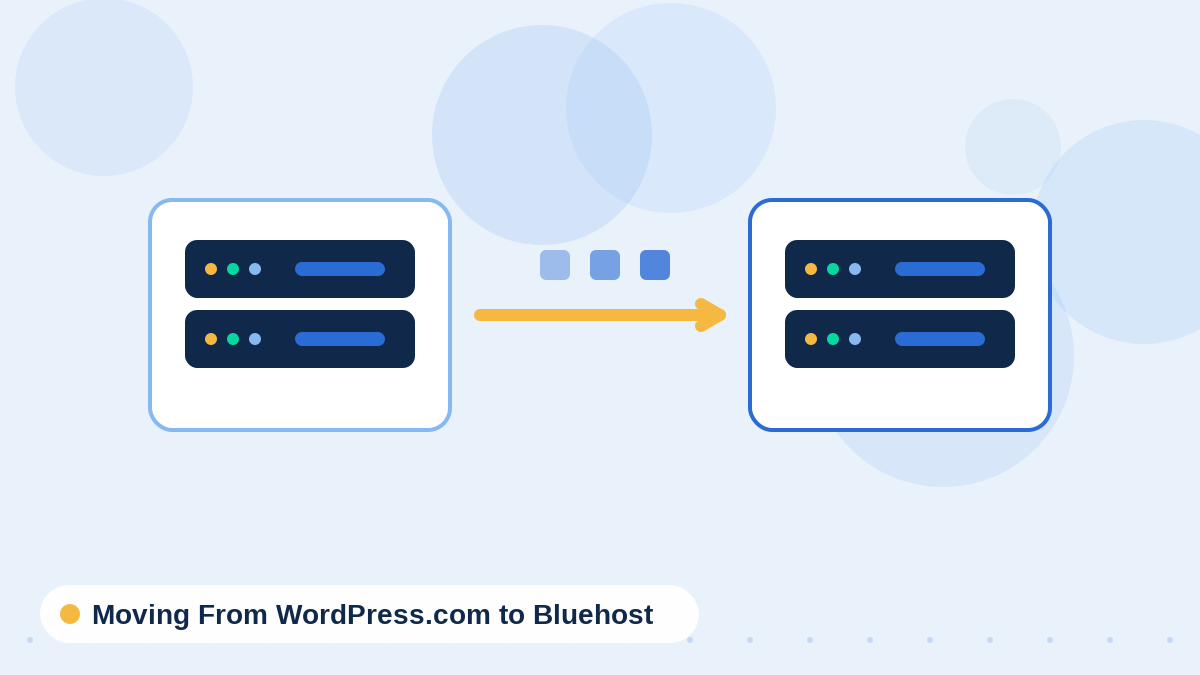
Many people start on WordPress.com and move to self-hosted WordPress later, when they want more sites, a full store or deeper control. The move is well-trodden. You export your content from WordPress.com, set up WordPress on Bluehost, import your content and point your domain to Bluehost.
It's easier to start on Bluehost if you think you'll want those things eventually. But if you're already on WordPress.com, our WordPress.com to Bluehost guide walks through every step.
Which Should You Choose?
First Blog With Room to Grow
Bluehost Starter. Full WordPress, 10 sites and a free first-year domain.
Free Personal Site
WordPress.com Free. No cost, on a WordPress.com address, with plan limits.
Online Store on a Budget
Bluehost. WooCommerce runs on any plan, and eCommerce Essentials adds store tools.
Hands-Off Hosting for One Site
WordPress.com. Updates, security and backups are handled for you.
Several Websites
Bluehost. One plan covers 10, 50 or 100 sites.
For most readers who want a blog, business site or store they can grow, Bluehost is the better value and the more flexible choice. WordPress.com is a good fit if you want a free start or a single site with as little maintenance as possible.
Bluehost vs WordPress.com FAQ
Is Bluehost the same as WordPress?
No. Bluehost is a web host that runs the free WordPress software for you. WordPress.com is a separate hosted platform that uses the same software with its own plans.
Can I use plugins on WordPress.com?
Yes, on paid plans. The free plan doesn't allow plugin installation. On Bluehost, you can install any plugin on every plan.
Which is cheaper?
For one basic site, WordPress.com Personal and Bluehost Starter are similar. For multiple sites or a full store, Bluehost is much cheaper because one plan covers several sites and WooCommerce runs on any plan.
Can I move from WordPress.com to Bluehost?
Yes. Export your content from WordPress.com, import it into WordPress on Bluehost and point your domain to Bluehost.
Does WordPress.com include a free domain?
Yes, on annual and multi-year paid plans. Bluehost also includes a free domain for the first year on 12- and 36-month terms.